Skip to contentBrickHOSPITAL HANDOVER

FOR HOSPITAL FACILITIES TEAMS

Scattered files.
Usable asset data.

Match hospital documents to your equipment register. Review the evidence. Hand over information your facilities team can use.

Start with one floor or system. Brick helps you trace documents to assets and find what is missing before the information enters your digital twin.

A synthetic sample is ready to try. No sign-in required.

Already exploring operations? Open the reference hospital

Hospital facilitiesILLUSTRATIVE MODEL
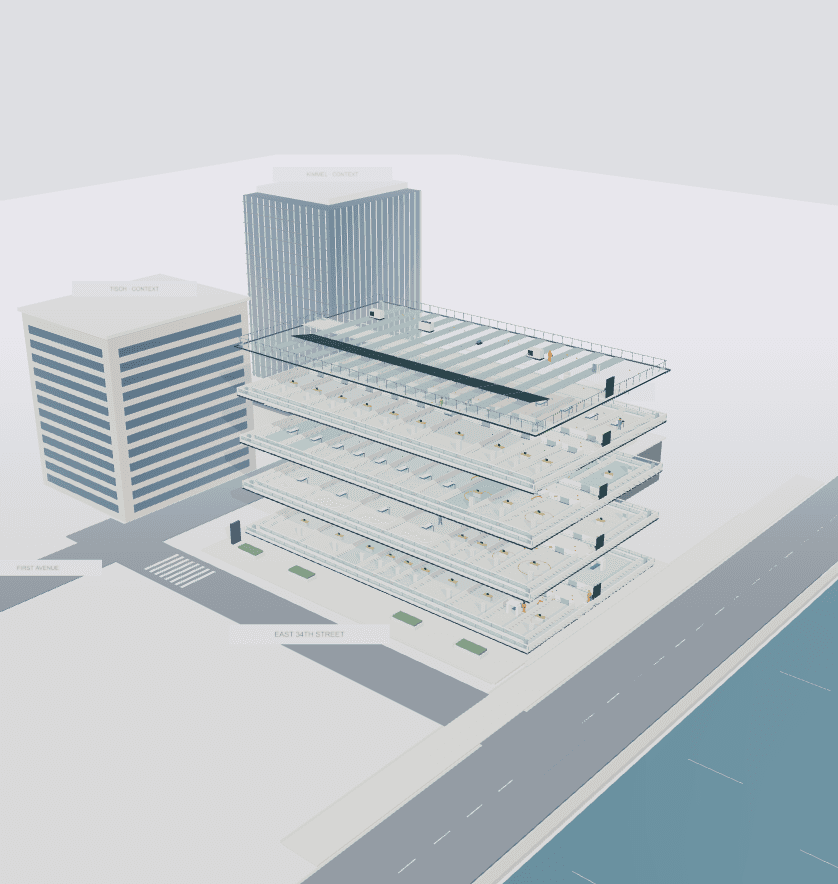
An illustrative cutaway of the sample hospital, showing its rooms and building systems.
Every system has a story.
Keep the evidence with it.
BRICK · HOSPITAL HANDOVERStart with your asset register

FROM PROJECT FILES TO OPERATIONS

Who needs the evidence?

The team handing over a building and the team maintaining it need the same thing: information they can trace and trust.

BIM & HANDOVER TEAMS

Turn the document pile into a review queue.

Bring an asset register and searchable documents. Find equipment identifiers in the source material without losing the original page.

YOU LEAVE WITHProposed document-to-asset matches with evidence
Bring your building files

FACILITIES ENGINEERS

Know which equipment a document belongs to.

Check each proposed match against the source. Accept useful evidence and reject references that do not describe the asset.

YOU LEAVE WITHReviewed links between equipment and documents
Try an evidence review

PROJECT & OPERATIONS LEADS

See the gaps before accepting the handover.

Set the documents each asset needs. See which requirements have reviewed evidence, then export the open gaps for the next team.

YOU LEAVE WITHA handover checklist with evidence and open gaps
Review handover gaps

A REVIEWABLE HANDOVER

The source stays attached to the decision.

A matching tag is a starting point. Check the document and page, make the call, and keep accepted evidence separate from unresolved matches in your export.

See an example review

WHAT WORKS TODAY

Know what is ready.
See what is missing.

The first workspace focuses on document-to-asset review. Your files are processed in your browser; you choose what to export.

YOU CAN TRY NOW
  • Import an equipment register from CSV.
  • Read searchable PDF, text and Markdown documents.
  • Review identifier matches with their source evidence.
  • Check manual and commissioning requirements; export open gaps.
  • Map reviewed results to Autodesk Tandem with a configured facility connection.
NEXT IN THE PRODUCT ROADMAP
  • Scanned-document OCR and assisted field extraction.
  • Revit and CAD ingestion with verified model identities.
  • Document attachment sync and maintenance-system integration.
  • Shared reviews, permissions and durable project history.

An identifier match is not a verified maintenance instruction or a complete handover. Your team decides what evidence is acceptable and which documents each asset requires. Publishing to Autodesk requires a separate connection, mapping and review.

Investor relations

14 anonymous recurring customer. Proposed Pro, Plus and Enterprise plans. A financial snapshot with clearly labeled revenue scenarios.
Explore investor relations

ONE FLOOR. ONE SYSTEM. ONE REVIEW.

Start with one system.

Bring a small asset register, or see how the sample review works.